
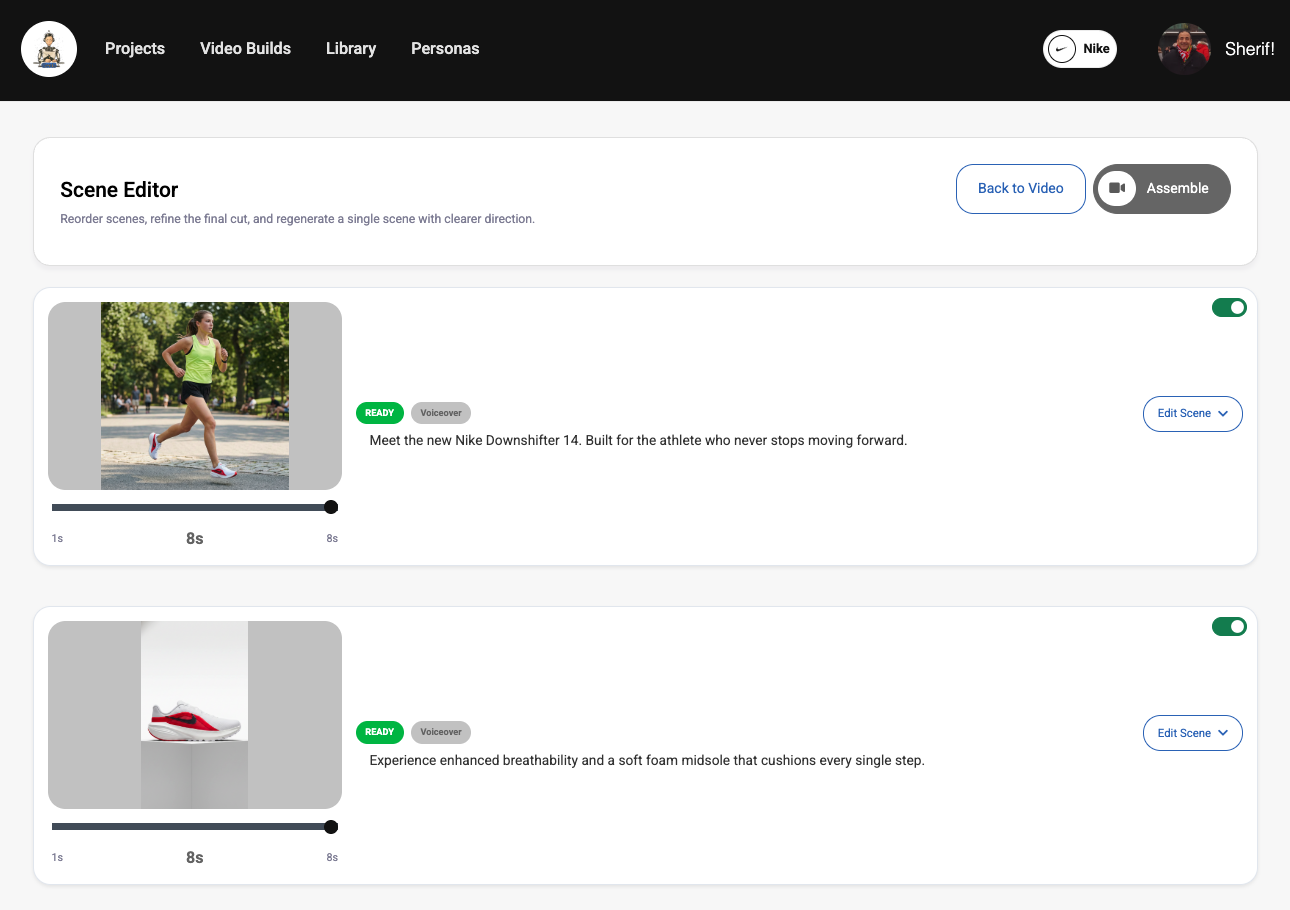
What the scene editor is for
The scene editor exists so you do not have to rerun an entire video because one moment is weak. You can target the exact scene that needs work, update its reference, regenerate it, and keep the rest of the project intact.
That makes the editor one of the most important parts of the standalone video workflow. Instead of treating the first full video as final, you can treat it as a draft that Genia helps you refine one scene at a time.
Best practice: use the scene editor when one or two moments need work, not when the whole concept is wrong. If the entire direction is off, it is usually better to revisit the broader setup first.
Typical scene editing flow
Scene editing works best when you review the generated cut first, decide exactly what feels weak, and then make one focused change at a time. That makes it easier to judge whether the new scene is actually better.
- 1Open the video project and review the generated scenes. Best practice: note whether the issue is composition, subject clarity, pacing, or visual style before changing anything.
- 2Select the scene that needs improvement. Best practice: focus on the weakest scene first so you can improve the overall cut with the smallest number of changes.
- 3Update the seed/reference image or creative direction for that scene. Best practice: make a targeted change rather than rewriting everything at once, so you can see what actually improved the result.
- 4Regenerate the scene. Best practice: compare the new version against the original before moving on to another change.
- 5Rebuild the final video once the updated scene looks right. Best practice: rebuild only after you are satisfied with the changed scene, so the next full cut reflects the best approved version.
Why rebuilding matters
Scene regeneration updates an individual clip. Rebuilding the final video is the step that stitches the latest approved scene set back into a new finished cut.
Without rebuilding, you may have a stronger scene available in the project while the finished exported video is still based on the older version.
Best practice: think of scene regeneration as updating ingredients, and rebuilding as creating the new final assembled result.